Plan 7.2.2 From Outer Space: A TypeIt4Me Update

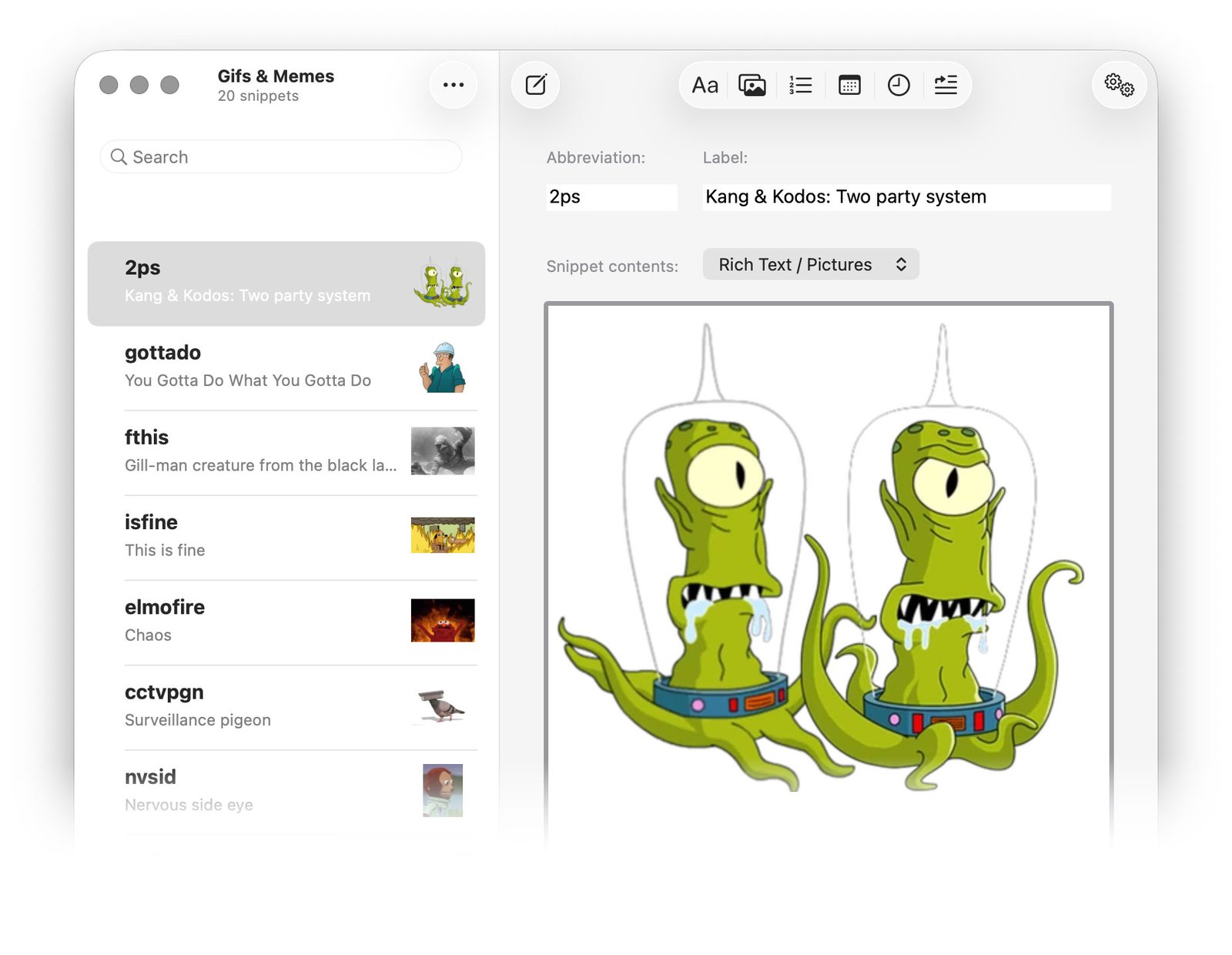
A screenshot of the main TypeIt4Me window with a set full of gifs and memes. The selected snippet is an "It's a two party system" meme image featuring popular Simpsons characters Kang and Kodos.

Friends, Romulans, gill-men, lend us your ears! There’s news to report. No, we’re not talking about those declassified files pertaining to flying saucers and cryptids that were rushed out last week in a panicky effort to move the global conversation on from Unfortunate Blunders. Rather, it’s time we briefed you on our latest out-of-this-world software update. 

…Ah, who are we kidding, it’s not really a capital D disclosure. Nonetheless, this incremental release ought to marginally reduce your keyboard-related travails. Fire up the Mac App Store, because TypeIt4Me 7.2.2. has landed.

Imminent change, reset jibber-jabber and mending the roof while the heavens are open…

After a halting start to the year we have somehow managed to stay busy and relatively focused these last few weeks. That’s despite the drama swirling around Britain’s latest agonising, slo-mo defenestration of a historically unpopular prime minister.

It looks like we’ll once again face the familiar unedifying spectacle of a stubborn empty suit being cast aside for failing to fix anything. As everyone waits to find out who will take his place on the carousel of disappointing leaders, take heart in the knowledge that there’s steady progress being made…in some quarters, at least. Have a gander at this extensive list of everything we’ve put right in today’s TypeIt4Me tune-up.

Bug fixes, corrections and improvements in TypeIt4Me 7.2.2 (271):

  • When you specify a language that a dynamic date should expand in, a selection tick correctly shows in the menu next to the selected date language to reflect your choice. The tick went AWOL in a previous update, but it’s back now.
  • Deleting snippets by swiping left immediately updates the snippet count in the sidebar and the list header. Before it was only updating after switching away to another set and back.
  • After deleting a snippet, selection now moves correctly to the next snippet in the list.
  • There was a bug that would cause the TypeIt4Me menu to instantly close again the very first time it was opened by clicking the icon in the menu bar. It would strike when “Hide window on launch” was selected in the app’s settings. That bug is a hazy memory now.
  • Template snippets that contain < and > characters (e.g. <img src=“…”>) expand correctly with no missing chunks of content before the prompts / variable input fields.
  • Some snippets combining both pictures and dynamic dates would not include the picture when expanded in the Pages app. That’s fixed.
  • A bug crept into an earlier build that would cause the search window to expand rich snippets as plain text with part of the content missing. We sent that bug away to live on a farm in the countryside and now the search-and-insert window correctly expands rich snippets again.
  • When the app has not been granted accessibility permission, selecting a rich formatted snippet from the menu to paste manually correctly places the full RTF content on the clipboard. In previous builds, the snippet was erroneously being converted to plain text first.
  • Rich formatted template snippets containing both variable input fields (prompts) and embedded images should expand correctly without losing the images.
  • Any command-key combo (e.g. a ⌘V paste action) correctly resets the keyboard buffer again. This means you can have (for example) a snippet with an abbreviation that’s just two apostrophes and it won’t trigger accidentally if what you want to do is just type an apostrophe, paste something then type a closing apostrophe.
  • A few minor issues affecting the rich formatting popover menu have been resolved. It now behaves itself and won’t misapply certain attributes when there’s lots of mixed formatting in a snippet. Also, the labels on the B, I and U segmented controls properly turn white when selected, so they can clearly be seen against the selection highlight background colour.
  • In a previous build a bug snuck in that would fail to expand animated GIFs inline in Mail messages on Macs running Tahoe. They would become TIFF attachments instead. This has been corrected, but you may need to recreate or update any existing snippets you have that contain GIFs in order for them to work in Mail on Tahoe.
  • Remapping ⌘V to something else with a third party app is no longer a barrier to expanding typed abbreviations or pasting them from the point-and-click menu. Please contact us if you’ve had trouble and need help with this.
…a fresh update for a better tomorrow

Thanks again for all the bug reports and for your heroic forbearance while we wade through them, picking them off one by one. As always, we really appreciate the feedback (both positive and negative.) You’ve helped us a great deal in our efforts to make each TypeIt4Me maintenance release that little bit better than the last. It may take time to sort stuff out, but we’ll get there eventually, we promise. Please don’t replace us with Wes Streeting.
Get 35% off TypeIt4Me 7 in our anniversary flash sale

Hello. We’re back again already, with fresh news. Don’t worry, this won’t take long. It’s just a quickie to let you know that TypeIt4Me 7 is now on sale at 35% off for one week only.

What’s the occasion? Glad you asked. It’s been a whole year since TypeIt4Me was officially reborn, so we’re celebrating with a 7-day flash bargain. Those of you who haven’t already scooped it up can grab TypeIt4Me 7 for the special anniversary price of $12.99(USD.)

You’ll need to act fast: this offer expires on Friday 24th April. Feel free to spread the word. Give your family and friends a chance to board the inexpensive text expansion hype train. In fact, why not tip your frenemies off, too? They may return the favour some day and refuse to fight you for the imperator’s amusement when an ironic twist of fate pits you against each other in a post-apocalyptic thunderdome scenario. You never know.

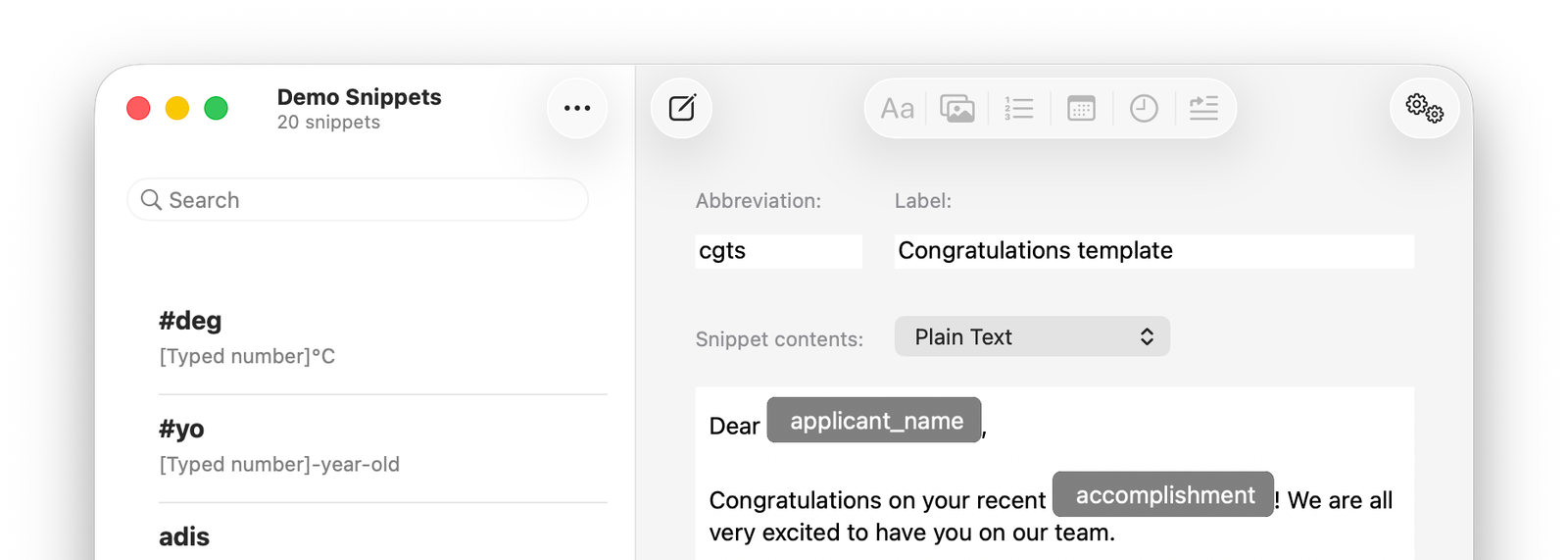
A screenshot of the main TypeIt4Me window showing a snippet that contains variable inputs

The original text expander for Mac. Even more affordable for a limited time.

As a reminder: April 18th of last year saw the release of an all new TypeIt4Me – version 7 – completely rebuilt from scratch in Swift, with a speedy new engine optimised for modern macOS systems and Apple Silicon. The effort nearly unalived us both, but we got there in the end and made it available exclusively on Apple’s Mac App Store.

TypeIt4Me 7 is fully sandboxed, can be used entirely offline for maximum privacy and is optimised for macOS 26 Tahoe. It will run on macOS Monterey 12.4 or newer systems. Read more about it here  or grab it from the Mac App Store before the price goes back up. Forgive us for stressing this tight deadline but you only have until Friday 24th April 2026 to make it yours for the special low price of £12.99 / 14,99€ / $12.99.

Remember, that’s a one-time purchase that allows you to keep the version you bought forever. Updates to version 7.x.x will be free; there is no recurring subscription to pay.

…What else? What else?

Hmmm, are there any other developments we can share while we have your attention? Um, um, um. Oh! Last week we released a minor update to our MacBook battery monitoring app Juice! The old triangular icon has broken out of jail and morphed into a glassy rounded square to join the Tahoe Gang. We also gave the app a performance tuneup and fixed a troublesome bug that was sometimes causing notifications to fail. It works properly now. Can you believe that?

Mac Apps, TypeIt4Me

TypeIt4Me 7.2.1 is out now with a spring in its step

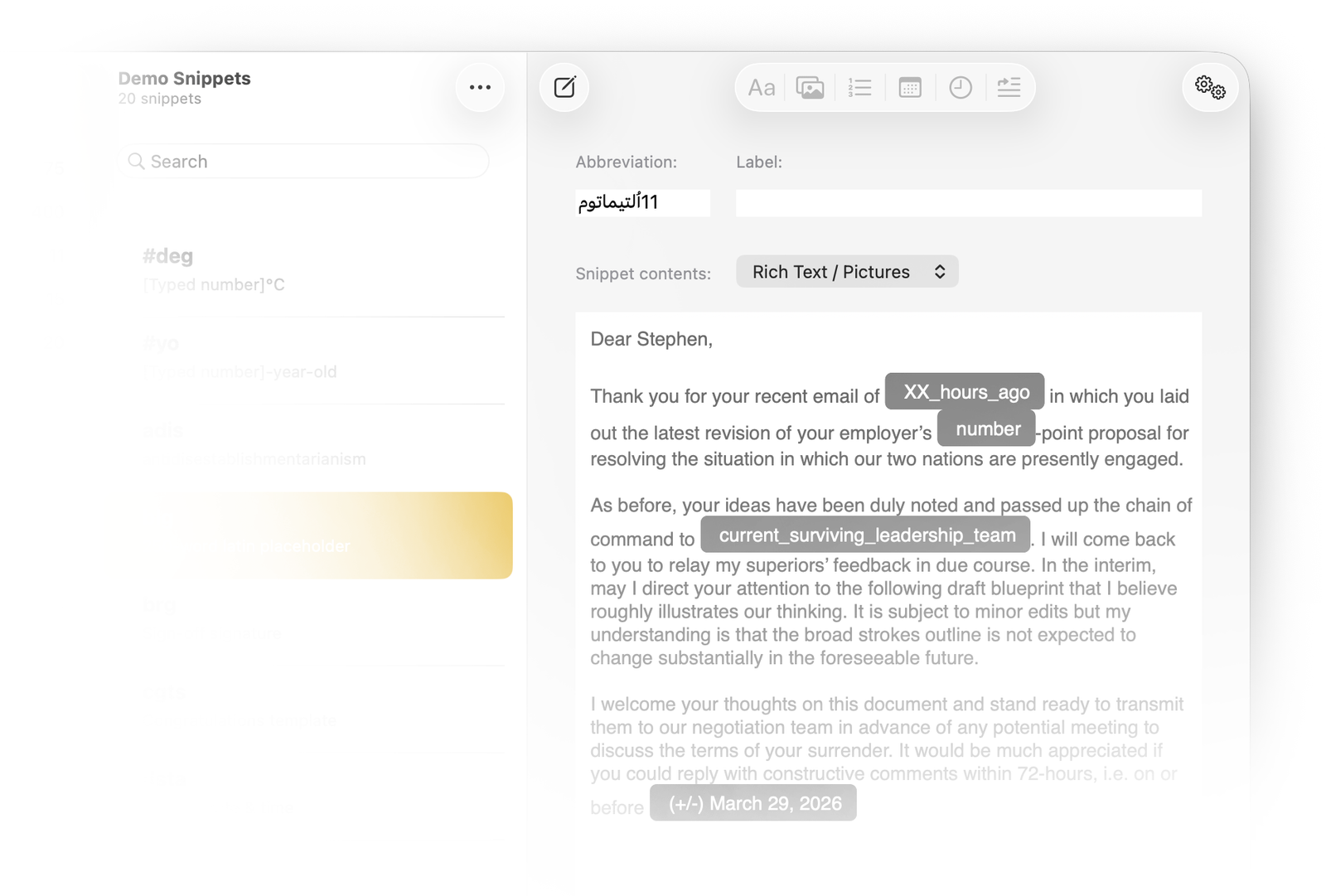
A screenshot of the main TypeIt4Me app window showing a snippet that might be used by Iranian officials in any dealings with US negotiators
Ahoy. How are you keeping? These are some challenging times to navigate, particularly for anyone unfortunate enough to be tasked with piloting an oil tanker through the Strait of Hormuz unscathed.

World events notwithstanding, it’s not all doom and gloom as April barrels towards us. We could swear there are some tentative green shoots sprouting up, in defiance of the best efforts of the Epically Furious to burn everything to the ground.

Better still, brief flashes of sunlight have managed to pierce London’s murky cloud cover at least twice this month. If that’s not evidence of a seasonal shift, we don’t know what is.

But enough levity. Once again, in what is fast becoming an awkward tradition, we bring news of a software update just as Things are Generally Going South in a Big Way in International Affairs, For Some Weird Reason No One Can Figure Out. 

First Quarter Blues v. Procrastination Prepping, Bucket List Hobbies and Stress-Vibe Coding

You guessed it: a record 5 (five) paragraphs in to this latest screed we can confirm that TypeIt4Me 7.2.1 is ready to download now.

We’ll get to the release notes in a minute, but first an apology. It’s taken us a bit longer than we would have liked to push this maintenance release out the door. That’s because on top of the standard inept coding snafus we typically get bogged down in, there’s been a lot of other stuff going on these past few months. Distractions have come at us thick and fast in 2026.

So far this year, we’ve:
  • Discovered that learning to play guitar is not as easy as it looks for a septuagenerian with baby-soft fingertips and an aversion to disciplined practice
  • Cobbled together a prototype of a new word game that kind of works without writing a line of code (guess which one of us is very uneasy about this)
  • Learned a lot more facts than we ever expected to absorb about the self-governing Danish territory of Greenland
  • Brushed up on intra-Nato conflict resolution game theory
  • Exfiltrated a stranded member of the Ettore family from a Middle Eastern city under fire (She’s now making her way to a safer location at the summit of a live volcano in Guatemala)
  • Watched our already severely depleted retirement funds nosedive 1929-style for the second time in 11 months, which probably signals an explosion of macroeconomic growth, peaceful prosperity and generally chill abundance is right around the corner
  • Binged on winter Olympic live streams broadcasting the gently life-affirming, transnational camaraderie of the planet’s most gifted ice skaters, as a cost-effective alternative to antidepressant drugs

It’s a miracle, really, if you think about it, that in amongst all that we still managed to fit in some bug squashing, UI-polishing and code optimisation. What can we say? Our sense of duty remains undiminished in the face of adversity and geopolitical perma-crisis.

Now that we’re all caught up, we can get to the Real Info. Without further ado, here’s the lowdown on today’s software update:

What’s New and improved in TypeIt4Me 7.2.1 (262):

Cosmetic changes and under-the-hood performance tweaks:
  • When running on Tahoe, all the items in the TypeIt4Me menu now have accompanying SF symbol icons. This avoids haphazard indentations and ensures that all the menu items remain horizontally aligned, so they’ll be easier to scan at a glance.
  • Improved compatibility with Spotlight and other non-standard floating input windows, e.g. the Quick Capture panel in Drafts.
Fixed:
  • The problem of rich formatted text sometimes being invisible on expansion should no longer occur. This was due to the way rich snippets were saved with black/white colour-reversal while the system Dark Mode appearance setting was enabled. It would sometimes produce white text on a white background or black text on a dark background, rendering it illegible. The trade-off we made to address this issue: the editing area for rich snippets now always has a white background, even in Dark Mode.
  • The last update introduced a bug that prevented option / prompt cells from opening automatically for editing when added to a snippet. That bug is now TOAST.
  • There was a bug that would prevent the TypeIt4Me icon from showing up in the menu bar. It’s history now. Let’s never speak of it again.
  • The priority of identical abbreviations with differing snippet content is once again immediately updated after re-ordering sets in the sidebar. There was a bug in the last update that resulted in a re-launch being required for the change to be registered.
  • We fixed an issue with undoing snippet changes or deletions that could sometimes cause a crash.
  • We’ve also corrected a slew of minor glitches, missing tooltips and localisation goofs. (Feel free to let us know about any outstanding ones, in case they’re not yet on our To Fix list.)
…Phew.

As always, thanks for being so patient with us while we pulled this release together. We’ll aim to introduce some new features in the next update. Hopefully, we’ll be able to get it to you a little more quickly.

Ho! Ho! Ho! TypeIt4Me 7.2 is here in time for the holidays.

Well, jingle our bells! It’s been a little while since we last had anything juicy to report about TypeIt4Me, hasn’t it. December has rolled around frighteningly quickly. Bet you thought we’d keeled over under the pressure to deliver the goods, eh? Not a chance. We’ve just been busy.

In cheery news befitting the festive season: after four months of wrangling with mystery bugs and trying to get our heads around Liquid Glass, TypeIt4Me 7.2 is at last available to download. Those of you who’ve been restlessly awaiting a Tahoe-optimised tune-up can finally exhale. Here’s the customary round-up of everything this latest update brings to the table.

What’s New and Improved in TypeIt4Me 7.2 (238):

Cosmetic changes, under-the-hood tweaks and added features:
  • TypeIt4Me has been re-compiled and optimised for macOS 26 Tahoe, with UI tweaks to accommodate the new look Apple introduced in its latest system. The app icon will also properly adapt to your chosen Appearance settings in the Dock (clear, tinted etc).
  • The delete button in the toolbar above the snippet list column has been replaced with an expanded action menu with the following options:

Sort By
Show Duplicates / Show All Snippets
Move to
Copy to
Duplicate
Delete

  • You can now swipe to delete snippets.
  • There’s better support for nesting snippets. You can now insert a snippet from any set, not just the currently selected one.
  • Management of duplicate snippets is much improved and there’s automatic disambiguation of unique identifiers.
  • By very popular request, there’s now bigger text in the Abbreviation, Label and (plain) Snippet content fields, so you won’t have to squint so much.
Fixed:
  • We squashed a bug that could prevent enabling or disabling the iCloud sync option on macOS 26 Tahoe.
  • Snippets now correctly expand in uppercase when Caps Lock is on.
  • Inclusion of a vertical pipe character no longer causes rich snippets to expand as plain text.
  • The special “Paste clipboard here” function now works again in rich snippets.
  • The sort order of the set that you click last before closing the main TypeIt4Me window no longer changes the sort order for all the other sets in the point and click menu.
  • The “Open backups folder” buttons in Settings > Backups now work correctly on macOS Tahoe.
  • When the abbreviation for a rich snippet contains 2 or more numbers, the snippet no longer incorrectly expands in all caps.
  • The “strip ’s’ for plurals” expansion setting now works for rich snippets as well as plain.
  • Switching to a different set while in “show duplicates” view now correctly refreshes the snippets list.
  • Dock / menu bar icon display settings now behave correctly on macOS Tahoe. You don’t need to relaunch the app for changes to take effect.
  • Abbreviations that contain previously problematic diacritics and accented characters (e.g. û) will now expand.
  • Abbreviations containing non-ASCII characters (Cyrillic, Korean, Chinese, Japanese, Greek, Arabic, etc.) are no longer prevented from expanding properly.
  • When crafting a pop-up menu, if you name it *after* adding the radio options, the name no longer replaces the final radio option value as soon as you click Done.
  • Abbreviations that include numbers now expand with correct capitalisation when you type the first letter with a capital.
  • You can now access the full range of rich formatting controls in the Add a Snippet window.
  • We’ve also corrected many other minor glitches, missing tooltips and localisation errors. (Do let us know about any outstanding ones, in case they’re not already on our radar.)
…and breathe out.

So, that’s what we’ve been up to all this time. Thanks for being so patient with us while we worked to get this update into the Mac App Store. We’ll do our best not to leave you waiting quite so long for the next update. We’re already poring over the To Do list for version 7.2.1 so we can further improve your quality of life. Ultimately, we just want you to be happy. …Oh, hey, that reminds us, we do still need to take an evening off to catch up on Pluribus. Then we’ll get right on it after that.

Black Friday Deal: Get 35% Off TypeIt4Me

Gobble, gobble! It’s the last Friday in November and you don’t need us to tell you what that means. Right this minute, many people in the western hemisphere are in a consumerist fugue state, scarfing down cold turkey sandwiches to fuel a feverish hunt for sweet bargains.

[To help us conserve water and electricity, imagine an AI-slop rendering of a large, Tex Avery-esque North American game bird with a bald head, red wattles and a TypeIt4Me tattoo on its neck. It’s wielding a carving knife and cheerfully serving itself up on, uh, an Apple-branded silver iPlatter or something.]

We’re still a little bewildered that Black Friday is now officially A Thing here in Europe. Having said that, we’ve never needed much of an excuse to initiate a nice flash sale. So without further ado, we would like to draw your attention to the fact that our original text expander for Mac is currently up for grabs at a healthily discounted price.

For a limited time – until the end of November, to be precise – you can get TypeIt4Me 7 for the special Black Friday price of just £12.99 / 14,99€ / $12.99 (USD). That’s a 35% saving. If you haven’t already scooped it up, don’t delay: head on over to the Mac App Store and snag yourself a bargain.

In other news, there is a (somewhat belated) 7.2 update on its way very soon. It will address a number of bugs, add a sprinkling of new features and finally propel TypeIt4Me into the bold new Liquid Glass future, for those of us who’ve made the jump to macOS 26 Tahoe. We’ll have more to say on that next week. Sit tight and keep an eye on those Mac App Store notifications.

Mac Apps, TypeIt4Me