
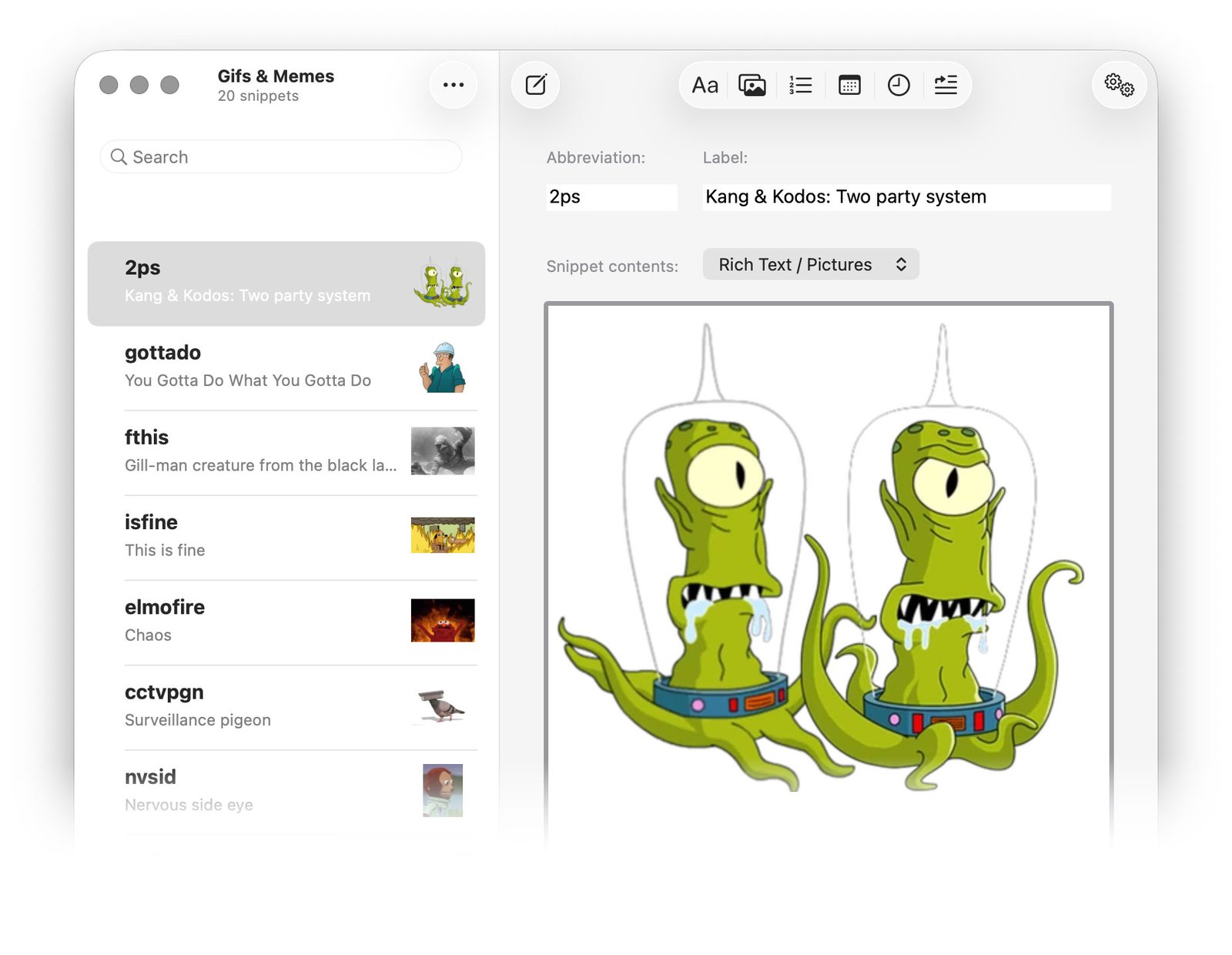
Friends, Romulans, gill-men, lend us your ears! There’s news to report. No, we’re not talking about those declassified files pertaining to flying saucers and cryptids that were rushed out last week in a panicky effort to move the global conversation on from Unfortunate Blunders. Rather, it’s time we briefed you on our latest out-of-this-world software update.
…Ah, who are we kidding, it’s not really a capital D disclosure. Nonetheless, this incremental release ought to marginally reduce your keyboard-related travails. Fire up the Mac App Store, because TypeIt4Me 7.2.2. has landed.
Imminent change, reset jibber-jabber and mending the roof while the heavens are open…
After a halting start to the year we have somehow managed to stay busy and relatively focused these last few weeks. That’s despite the drama swirling around Britain’s latest agonising, slo-mo defenestration of a historically unpopular prime minister.
It looks like we’ll once again face the familiar unedifying spectacle of a stubborn empty suit being cast aside for failing to fix anything. As everyone waits to find out who will take his place on the carousel of disappointing leaders, take heart in the knowledge that there’s steady progress being made…in some quarters, at least. Have a gander at this extensive list of everything we’ve put right in today’s TypeIt4Me tune-up.
Bug fixes, corrections and improvements in TypeIt4Me 7.2.2 (271):
- When you specify a language that a dynamic date should expand in, a selection tick correctly shows in the menu next to the selected date language to reflect your choice. The tick went AWOL in a previous update, but it’s back now.
- Deleting snippets by swiping left immediately updates the snippet count in the sidebar and the list header. Before it was only updating after switching away to another set and back.
- After deleting a snippet, selection now moves correctly to the next snippet in the list.
- There was a bug that would cause the TypeIt4Me menu to instantly close again the very first time it was opened by clicking the icon in the menu bar. It would strike when “Hide window on launch” was selected in the app’s settings. That bug is a hazy memory now.
- Template snippets that contain < and > characters (e.g. <img src=“…”>) expand correctly with no missing chunks of content before the prompts / variable input fields.
- Some snippets combining both pictures and dynamic dates would not include the picture when expanded in the Pages app. That’s fixed.
- A bug crept into an earlier build that would cause the search window to expand rich snippets as plain text with part of the content missing. We sent that bug away to live on a farm in the countryside and now the search-and-insert window correctly expands rich snippets again.
- When the app has not been granted accessibility permission, selecting a rich formatted snippet from the menu to paste manually correctly places the full RTF content on the clipboard. In previous builds, the snippet was erroneously being converted to plain text first.
- Rich formatted template snippets containing both variable input fields (prompts) and embedded images should expand correctly without losing the images.
- Any command-key combo (e.g. a ⌘V paste action) correctly resets the keyboard buffer again. This means you can have (for example) a snippet with an abbreviation that’s just two apostrophes and it won’t trigger accidentally if what you want to do is just type an apostrophe, paste something then type a closing apostrophe.
- A few minor issues affecting the rich formatting popover menu have been resolved. It now behaves itself and won’t misapply certain attributes when there’s lots of mixed formatting in a snippet. Also, the labels on the B, I and U segmented controls properly turn white when selected, so they can clearly be seen against the selection highlight background colour.
- In a previous build a bug snuck in that would fail to expand animated GIFs inline in Mail messages on Macs running Tahoe. They would become TIFF attachments instead. This has been corrected, but you may need to recreate or update any existing snippets you have that contain GIFs in order for them to work in Mail on Tahoe.
- Remapping ⌘V to something else with a third party app is no longer a barrier to expanding typed abbreviations or pasting them from the point-and-click menu. Please contact us if you’ve had trouble and need help with this.
…a fresh update for a better tomorrow
Thanks again for all the bug reports and for your heroic forbearance while we wade through them, picking them off one by one. As always, we really appreciate the feedback (both positive and negative.) You’ve helped us a great deal in our efforts to make each TypeIt4Me maintenance release that little bit better than the last. It may take time to sort stuff out, but we’ll get there eventually, we promise. Please don’t replace us with Wes Streeting.